




🎮 Best IPTV with Remote-Friendly Interface
Using IPTV should be easy. You want
to control everything with your remote. No complicated menus. No confusing buttons.
This guide shows you the best IPTV
apps with remote-friendly interfaces. These apps work great with your Fire Stick remote. Navigation is simple
and fast.
✅ What Makes a Good Remote Interface
A remote-friendly IPTV interface
needs certain features. Here is what to look for.
- Big buttons that are easy to see
- Clear menu layout
- Fast response to remote clicks
- Simple navigation with arrow keys
- Good EPG (TV guide) display
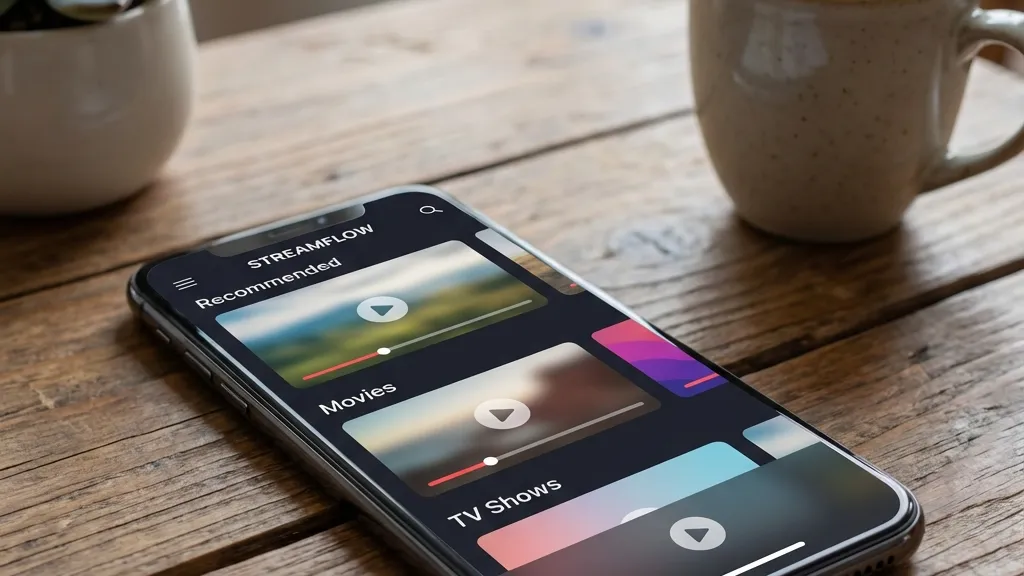
Easy to use on any device
🏆 Top IPTV Apps with Best Remote Control
1. TiviMate – The Gold Standard
TiviMate is the best IPTV player for
remote control. The interface is clean and professional. Everything responds quickly to your remote.
The EPG looks like traditional cable
TV. You can browse channels easily. The remote navigation is smooth and fast.
- Premium feel and clean layout
- Excellent EPG implementation
- Handles large channel lists without lag
- Customizable themes and colors
- Multi-playlist support
2. IPTV Smarters Pro – Most
Beginner-Friendly
IPTV Smarters Pro has a simple and
modern interface. It is perfect for beginners. The setup is very easy.
The remote control works great with
this app. Menus are clear. You can find channels quickly. The app is free to install.
- Simple and clean user interface
- Easy setup process
- EPG integration included
- Multi-screen viewing support
- Free to use
3. XCIPTV Player – Lightweight
and Fast
XCIPTV Player has a modern and
lightweight design. It loads very fast. The remote navigation is smooth.
This app is great for VOD and TV
series. It includes parental controls. The interface is minimalistic and easy to use.
- Lightweight and fast performance
- Modern minimalistic interface
- Strong VOD support
- Parental controls included
- VPN integration available
4. Perfect Player – Sleek and
Simple
Perfect Player has a sleek user
interface. The EPG is easy to use. Remote control navigation is very smooth.
This player supports multiple
languages. It works with M3U and Xtream Codes. Perfect for older Fire Stick devices.
- Sleek and simple interface
- Easy-to-use EPG
- Multiple language support
- Works on older devices
- M3U and Xtream support
5. Flix IPTV – Clean and
Organized
Flix IPTV offers a clean interface
with good organization. The built-in EPG has various viewing modes.
Remote control works perfectly with
this app. It supports M3U and Xtream Codes playlists. Parental controls are included.
- Clean and organized layout
- Built-in EPG with viewing modes
- Parental control features
- Lightweight and optimized
- Multiple playlist support
Control everything with your remote
💡 Remote Control Tips
Here are some tips to make remote
control even better with IPTV apps.
Learn the Shortcuts
Most IPTV apps have remote
shortcuts. Press and hold buttons for quick actions. Learn these shortcuts to save time.
Customize Your Layout
Many apps let you customize the
interface. Change colors and themes. Make buttons bigger if needed. This helps with remote navigation.
Use Favorites List
Create a favorites list for your
channels. This makes switching channels faster. You can access favorites with one click.
Enable Quick Channel Switch
Turn on quick channel switching in
settings. This lets you change channels instantly. No waiting or loading screens.
Adjust Remote Sensitivity
Some apps let you adjust how fast
the remote scrolls. Find the right speed for you. This makes navigation more comfortable.
🔧 EPG Features to Look For
The EPG (Electronic Program Guide)
is very important for remote control. A good EPG makes IPTV easy to use.
Grid View Layout
Grid view shows channels and times
together. This looks like traditional TV guide. You can see what is playing now and later.
Timeline Navigation
Good EPG lets you scroll through
time easily. Use left and right arrows to see future programs. This helps you plan what to watch.
Channel Logos
Channel logos make finding channels
faster. You recognize logos quickly. No need to read channel names.
Program Information
Click on a program to see details.
Good EPG shows description, rating, and duration. This helps you decide what to watch.
⚠️ Common Remote Control Problems
Remote is Slow or Laggy
If your remote feels slow, close
other apps. Clear the cache on your Fire Stick. This frees up memory.
Also check your remote batteries. Weak
batteries can cause lag. Replace them if needed.
📊 App Comparison
❓ Common Questions
Which IPTV app has the best
remote control?
TiviMate has the best remote control
experience. The interface is smooth and responsive. Navigation is very fast.
Can I use voice control with
IPTV?
Yes, if you have Fire TV Cube or
newer Fire Stick. You can use Alexa voice commands to search and control IPTV.
Do all IPTV apps work with Fire
Stick remote?
Most IPTV apps work with Fire Stick
remote. But some work better than others. The apps in this guide are tested and work great.
Can I customize the remote
buttons?
Some apps let you customize
shortcuts. You can assign different actions to remote buttons. Check your app settings.
🆘 Need Help?
For more help with IPTV apps and
remote control, visit these sites:
🔗 trevixplay.com/ – IPTV
setup guides
🔗 ibomaxpro.com – Expert
tips and tricks
🎯 Final Thoughts
A remote-friendly IPTV interface
makes watching TV enjoyable. You don’t need to struggle with complicated menus.
We recommend TiviMate for the best
remote control experience. For beginners, IPTV Smarters Pro is perfect. Both apps work great with Fire Stick
remote.
Enjoy easy
navigation! 🎮