




🚫 Fire TV IPTV
That Works Without Sideloading (Is it Possible?)
Does the word “sideloading” sound scary? 😨 You are not alone! Many users prefer to stick to the official Amazon
App Store. While most popular IPTV apps require sideloading, there are still ways to watch without hacking your
device. Let’s explore! 🔍
📋 Checklist for Store Apps
- ✅ Amazon Account: Logged in to download apps.
- ✅ Official Store: We are only looking here.
- ✅ M3U Link: You still need a subscription.
- ✅ VLC Player: The secret weapon.
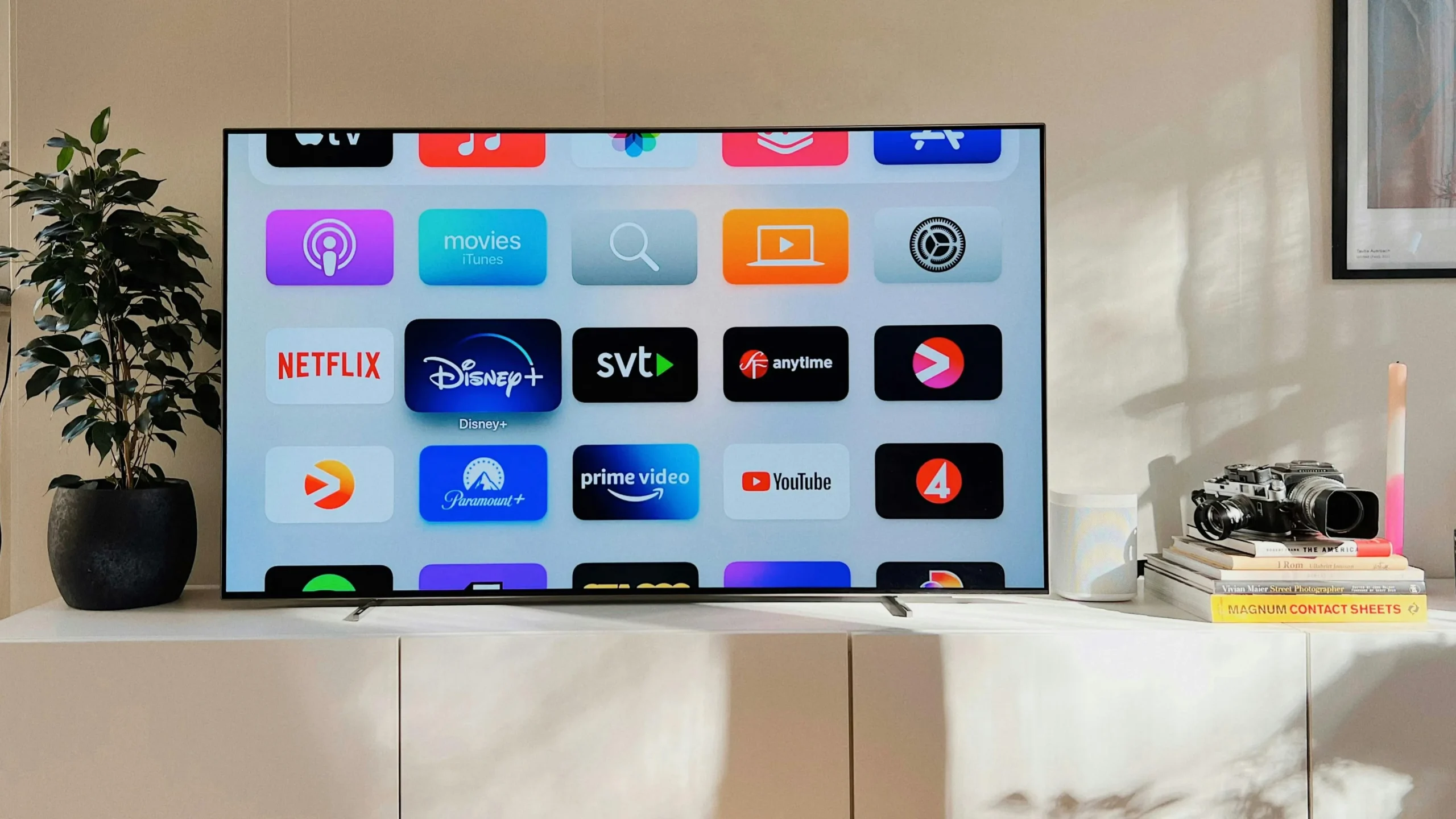
Safe and simple
🔥 1. Fire Stick Official Apps
You won’t find “IPTV Smarters” in the Amazon store anymore, but you will find VLC for Fire.
Install VLC. Open it, go to “Browsing”, then “Stream”, and paste your M3U URL. It plays perfectly! No “Unknown
Sources” required. 🛡️
📱 2. Android Play Store
Android is easier.
The Google Play Store is full of legitimate IPTV players like TiviMate (Companion), Smarters, and Televizo. Just
search and install. 🤖
Official apps only
🍎 3. iOS App Store
Apple is strict, but fair.
Apps like “GSE Smart IPTV” and “Smarters Player Lite” are fully approved by Apple and available in the App
Store. 🍏
💻 4. Windows Store
Windows 10/11 users have options.
Search the Microsoft Store for “MyIPTV Player”. It’s a great, lightweight app that doesn’t require downloading
random .exe files. 💻
💡 Why Avoid Sideloading?
- 🛡️ Security: Official apps are scanned for viruses.
- 🔄 Updates: Store apps update automatically.
- 😌 Peace of Mind: No messing with developer settings.
✨ Limitations
- 📉 Fewer Features: VLC is a player, not a full IPTV interface (no EPG).
- 🔍 Harder to Find: Amazon removes IPTV apps frequently.
- ⌨️ Typing: Entering long M3U URLs with a remote is painful.
📊 App Availability
🔧 Troubleshooting
VLC Not Playing?
Ensure your M3U link is active. Test it on a PC first.
Can’t Find App?
If an app isn’t in the store, it might have been removed. In that case,
sideloading is your only option.
👨💻 Expert
Review
“While it is possible to use store apps like VLC, the experience is subpar compared to dedicated apps like
TiviMate. Sideloading is safe if you follow a trusted guide. It’s worth the 2 minutes of effort.”
📞 Support
Need help finding apps?
👉 smarters-pro.net — App
guides
👉 trevixplay.com/ — More
info