




🛡️ How to Use
VPN for IPTV on Fire TV (Stay Safe & Anonymous)
Is your stream buffering only during big games? 📉 That might be your ISP slowing you down! A VPN is the secret
weapon to stop throttling and protect your privacy. Here is how to set it up on your Fire TV. 🔒
📋 Checklist for VPN
- ✅ VPN Subscription: Use a premium one (free VPNs are too slow for video).
- ✅ Fire Stick App: Ensure the VPN has a native Fire TV app.
- ✅ Protocol: WireGuard is best for speed. ⚡
- ✅ Location: Pick a server close to you for best performance.

Secure your streaming
🔥 1. VPN on Fire Stick
Setting up a VPN on Fire Stick is incredibly easy.
- Search: Go to “Find” and type your VPN name (e.g., Surfshark, NordVPN, ExpressVPN). 🔍
- Install: Download and install the app.
- Connect: Open it, log in, and click “Quick Connect”.
- Verify: Once it says “Connected”, open your IPTV app. You are now invisible! 🕵️♂️
📱 2. Android Mobile VPN
Protect your mobile data too.
Download the VPN app from the Play Store. Enable “Always On VPN” in your Android settings to ensure you never
accidentally stream without protection. 🛡️
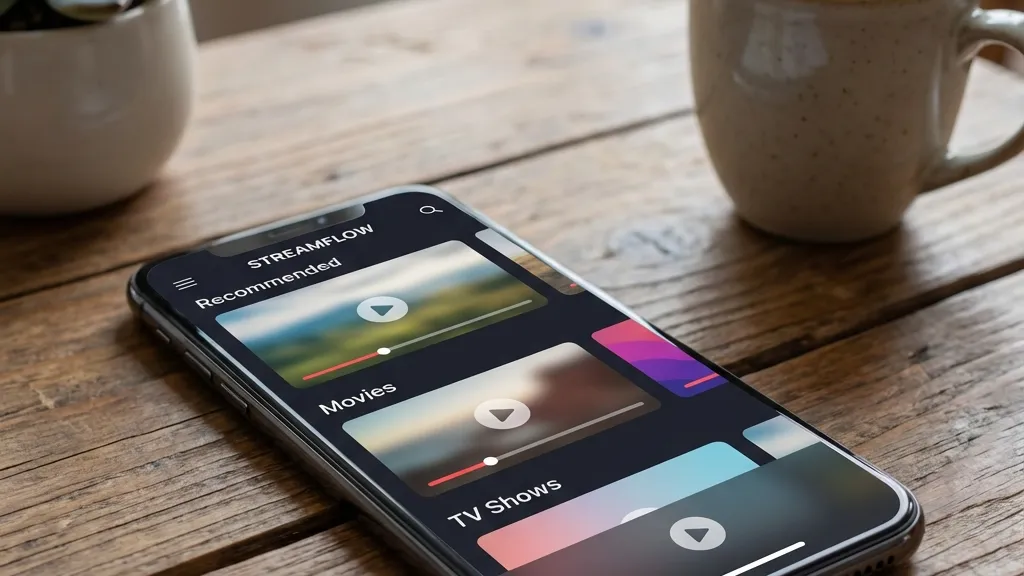
Privacy on the go
🍎 3. iOS Security
iPhone users value privacy.
Install the VPN app from the App Store. Allow it to add VPN configurations when prompted. It works seamlessly in
the background while you watch IPTV. 🍏
💻 4. Windows PC VPN
PCs are vulnerable without a VPN.
Install the desktop client. You can even set it to launch automatically when you start Windows. This ensures
your ISP can’t see what you are streaming. 💻
💡 Tips for Speed
- 🚀 Protocol: Use WireGuard or IKEv2. They are much faster than OpenVPN.
- 🌍 Server: Connect to the closest country if you just want privacy. Connect to a specific
country to unlock geo-blocked content. - 🔄 Split Tunneling: Use this feature to route only your IPTV app through the VPN, leaving
other apps fast.
✨ Why Use a VPN?
- 🚫 Stop Throttling: ISPs slow down streaming traffic. A VPN hides it.
- 🔓 Unblock Content: Watch channels from other countries.
- 🕵️♂️ Privacy: Keep your viewing habits private.
📊 VPN vs No VPN
🔧 Troubleshooting
Slow Speed?
Try a different server. Sometimes one server gets overcrowded.
App Not Working?
Some apps block VPNs. Try changing the protocol to “Obfuscated” or
“Stealth” mode.
👨💻 Expert
Review
“A VPN is essential for IPTV. Not just for privacy, but for performance. Many ISPs throttle IPTV traffic
during peak hours. A VPN bypasses this completely, giving you the speed you paid for.”
📞 Support
Need help configuring your VPN?
👉 smarters-pro.net — VPN
guides
👉 trevixplay.com/ — More
info