




🎤 IPTV for Fire TV Cube with Voice Support
Fire TV Cube is the most powerful
Fire TV device. It has built-in Alexa voice control. You can control IPTV without touching the remote.
This guide shows you how to use
voice commands with IPTV on Fire TV Cube. Learn which apps work best with Alexa. Control your streaming
hands-free.
✅ Voice Control Benefits
- Hands-free IPTV control
- Change channels with voice
- Search for content easily
- Control volume and playback
- Launch apps without clicking
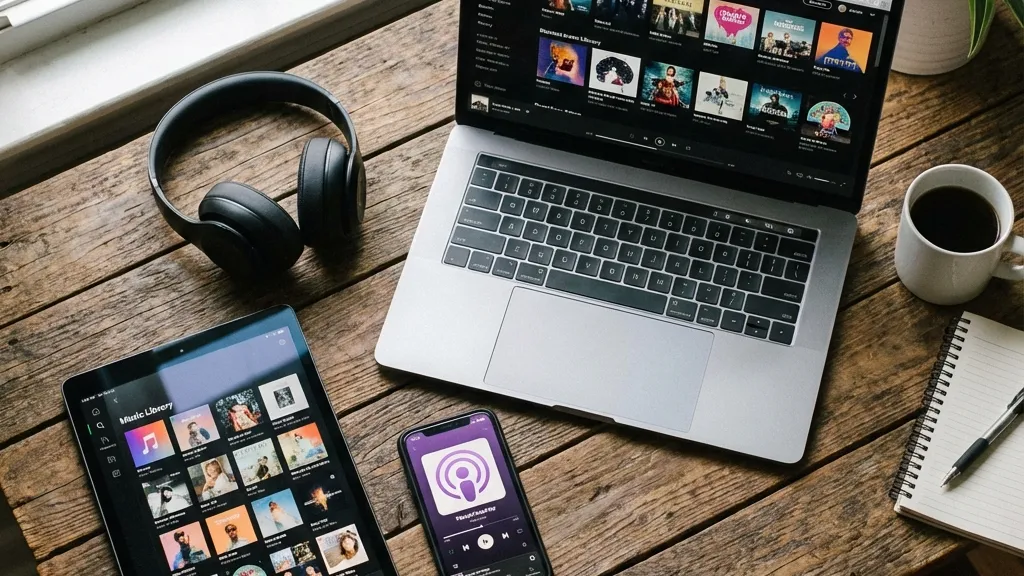
Control IPTV with voice commands
🏆 Best IPTV Apps with Voice Support
1. IPTV Smarters Pro
IPTV Smarters Pro works great with
Alexa. You can launch the app with voice. Search for content using Alexa commands.
The app responds quickly to voice
input. You can switch channels by speaking their names. Very convenient for Fire TV Cube users.
- Voice-enabled app launch
- Alexa content search
- Channel switching by voice
- Playback voice control
- Free to install
2. Smart IPTV
Smart IPTV supports voice commands
on Fire TV Cube. You can control playback hands-free. The interface is Alexa-optimized.
Navigate menus using voice. Find
channels quickly. The app is designed to work with Fire TV Cube features.
- Alexa-optimized interface
- Voice menu navigation
- Quick channel finding
- Hands-free control
- One-time payment
3. TiviMate
TiviMate works with basic Alexa
commands. You can launch the app by voice. Control playback without the remote.
While not fully voice-optimized,
basic commands work well. You can pause, play, and navigate using Alexa.
- Basic voice commands
- App launch by voice
- Playback control
- Premium features available
- Great EPG support
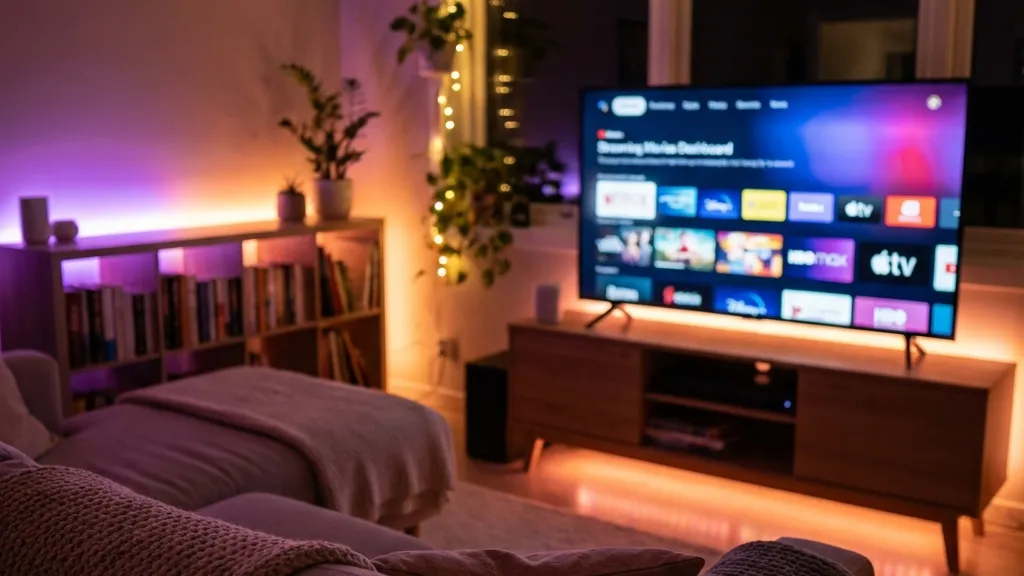
Relax with voice-controlled IPTV
💡 Useful Voice Commands
Launch IPTV Apps
“Alexa, open IPTV Smarters Pro” –
Launches your IPTV app instantly. No need to navigate menus.
Control Playback
“Alexa, pause” or “Alexa, play” –
Control video playback hands-free. Very convenient when eating or drinking.
Search Content
“Alexa, search for sports channels”
– Find content by speaking. Much faster than typing.
Volume Control
“Alexa, volume up” or “Alexa, mute”
– Adjust sound without touching remote. Fire TV Cube controls your TV.
Navigate Interface
“Alexa, go home” – Return to Fire TV
home screen. “Alexa, go back” – Go to previous page.
🔧 Setting Up Voice Control
Step 1: Enable Alexa
Fire TV Cube comes with Alexa
enabled. Make sure microphones are on. Say “Alexa” to test if it responds.
Step 2: Install IPTV App
Download voice-compatible IPTV app.
IPTV Smarters Pro works best. Install from Amazon App Store or sideload.
Step 3: Configure App
Set up your IPTV subscription in the
app. Add your playlist or login details. Test if app opens properly.
Step 4: Test Voice Commands
Try saying “Alexa, open IPTV
Smarters Pro”. Test playback controls. Practice different voice commands.
Step 5: Train Alexa
Alexa learns your voice over time.
Use commands regularly. The more you use, the better it gets.
⚠️ Voice Control Limitations
Not All Features Work by Voice
Some IPTV features require remote
control. Complex settings cannot be changed by voice. Channel numbers might not work in all apps.
Keep your remote nearby for advanced
functions. Voice is great for basic control but not everything.
📊 Feature Comparison
❓ Common Questions
Can I change IPTV channels by
voice?
Yes, in apps like IPTV Smarters Pro.
Say channel names to switch. Not all apps support this feature.
Does Fire TV Cube work better
than Fire Stick for IPTV?
Yes. Fire TV Cube has more power and
built-in Alexa. It handles IPTV better and offers hands-free control.
Can Alexa control my TV with Fire
TV Cube?
Yes. Fire TV Cube can turn your TV
on/off, adjust volume, and switch inputs. All by voice commands.
Do I need internet for voice
control?
Yes. Alexa requires internet
connection. Voice commands are processed in the cloud. You need active WiFi.
🆘 Need Help?
For more voice control tips and IPTV
setup guides:
🔗 trevixplay.com/ – Voice
command guides
🔗 ibomaxpro.com – Fire TV
Cube support
🎯 Final Thoughts
Voice control makes IPTV much easier
on Fire TV Cube. You can do most tasks hands-free. It feels like the future of TV.
We recommend IPTV Smarters Pro for
best voice support. The app works perfectly with Alexa. Try it and enjoy hands-free IPTV streaming.
Control with your
voice! 🎤