




🔄 IPTV
Services That Auto-Update on Fire Stick (Hassle-Free!)
Are you tired of dead channels and broken links? 😤 The solution is simple: Auto-Updating IPTV. These services
refresh your channel list automatically, so you always have the latest content without lifting a finger. Let’s
see how it works! ✨
📋 Checklist for Auto-Updates
- ✅ Use URL, Not File: Always login with M3U URL or Xtreme Codes. Never use a static M3U
file! - ✅ Modern App: Use Smarters or TiviMate.
- ✅ Internet: Updates happen over the web.
- ✅ Settings: Ensure “Update on Start” is enabled.
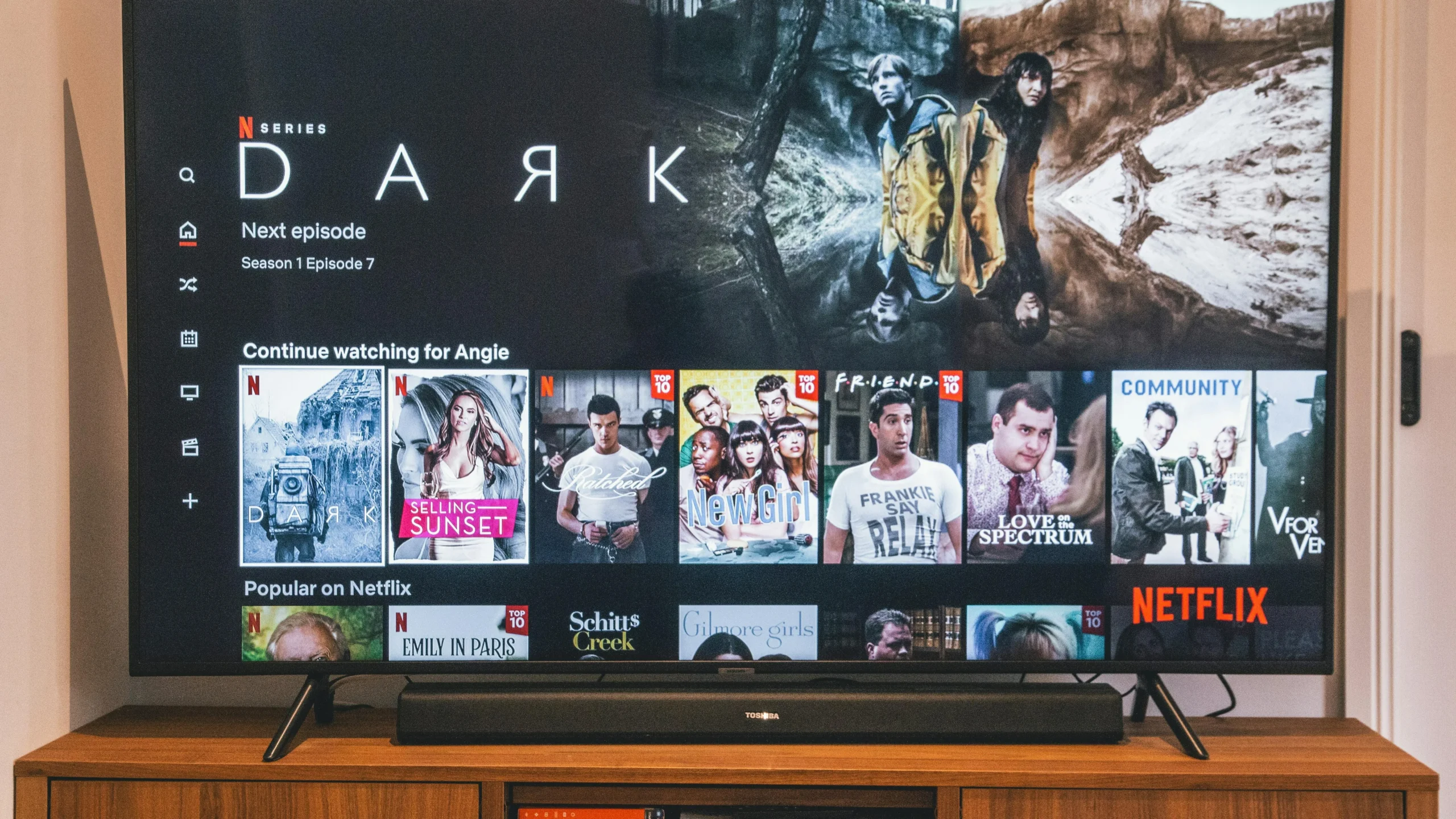
Always fresh content
🔥 1. Fire Stick Auto-Update
On Fire Stick, apps like IPTV Smarters make this easy.
When you open the app, it automatically checks the server for changes. If a new movie is added or a channel logo
changes, it downloads the new data instantly. You don’t have to do anything! 🪄
📱 2. Android Refresh
Android users have full control.
In TiviMate, you can set the “Playlist update interval”. Set it to “Every startup” or “Every 24 hours” to keep
your guide and channels perfectly synced. 🔄

Set it and forget it
🍎 3. iOS Sync
Apple devices sync beautifully.
With Smarters Player Lite, every time you log in, it performs a “Refresh DNS”. This ensures your playlist on
your iPhone matches the server exactly. 🍏
💻 4. Windows PC Reload
On PC, you might need to click a button.
In the Windows app, there is usually a “Refresh” icon (two arrows in a circle) on the dashboard. Click it once a
week to grab the latest movies and series. 💻
💡 Why Static Files Fail
- ❌ Old Links: If a channel changes its source, your file won’t know.
- ❌ No New Content: You won’t get the latest movies added today.
- ❌ EPG Issues: Guide data often breaks with static files.
✨ Benefits of Auto-Update
- 🆕 Daily Content: Get new VOD releases every day.
- 🛠️ Fixes: Broken channels are replaced automatically.
- 📅 Accurate EPG: Program guide stays current.
📊 Method Comparison
🔧 Troubleshooting
Channels Missing?
Go to Settings > General > Update Playlist. Force a manual update.
Update Failed?
Check your internet connection. If the server is down, the update will
fail.
👨💻 Expert
Review
“Using a static M3U file is the #1 mistake beginners make. Always use the Xtreme Codes login
(Username/Password). It guarantees you are always seeing exactly what the server offers in real-time.”
📞 Support
Need help setting up auto-updates?
👉 smarters-pro.net — Setup
guides
👉 trevixplay.com/ — Service
details