




📲 IPTV
Smarters Setup on Fire Stick – Step-by-Step Guide
IPTV Smarters Pro is hands down the most popular IPTV player out there. 🌟 It’s free, easy to use, and looks
great. If you have a Fire Stick, this is a must-have app. Let’s get it installed and running in under 5 minutes!
⏱️
📋 Checklist: What You Need
- ✅ Fire Stick: Connected to your TV and internet.
- ✅ Downloader App: To sideload the Smarters app.
- ✅ Login Details: Username, Password, and URL from your provider.
- ✅ 5 Minutes: That’s all it takes!
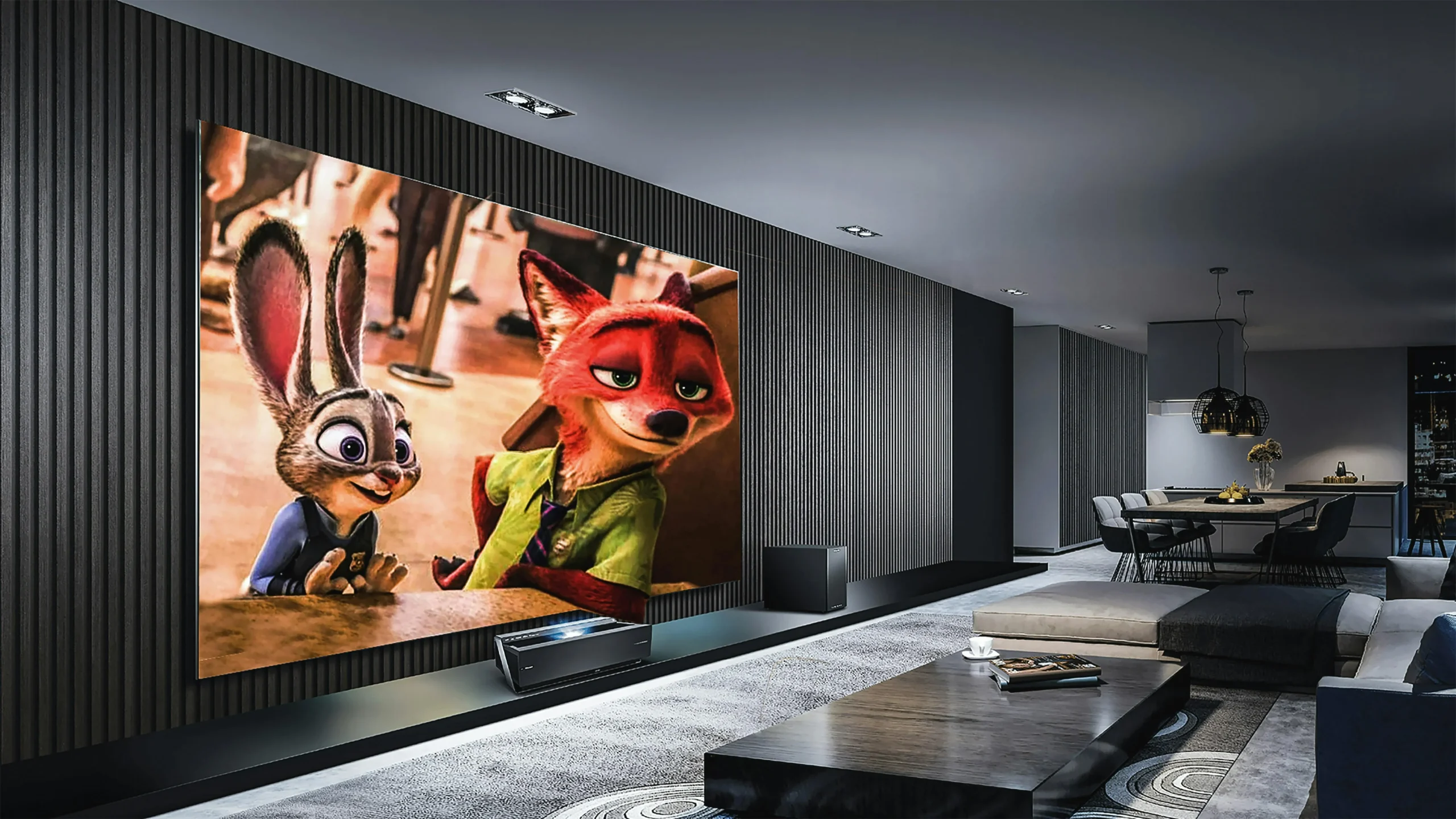
Clean and user-friendly interface
🔥 1. Installing on Fire Stick
Since Smarters isn’t in the Amazon App Store, we need to sideload it. Don’t worry, it’s safe!
- Open Downloader: Launch the Downloader app you installed earlier. 📥
- Enter Code: In the URL box, type the downloader code for Smarters (commonly
78522 or search for “IPTV Smarters APK”). 🔢 - Install: Click “Go”, wait for the file to download, and hit “Install”.
- Open & Login: Launch the app. Select “Login with Xtreme Codes API”. Enter your Name,
Username, Password, and URL. Click “Add User”. 📝
📱 2. Android Setup
Got an Android phone?
Download “IPTV Smarters Pro” directly from the Google Play Store. It’s the exact same interface, so you’ll feel
right at home. 🤖
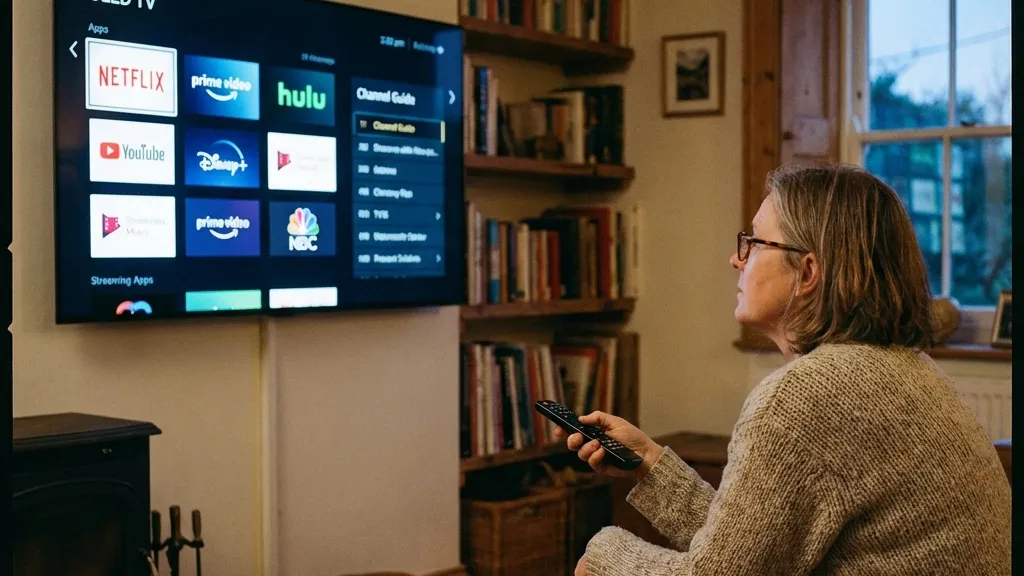
Control everything easily
🍎 3. iOS (Apple) Setup
For iPhone and iPad users:
Search for “Smarters Player Lite” in the App Store. It’s the official version for iOS. It works perfectly and
supports all the features. 🍏
💻 4. Windows PC Setup
Watch on your computer:
Download the Windows version from the official Smarters website. It’s great for watching sports while you work!
🖥️
💡 Pro Tips
- 🚀 Master Search: Use the search bar to find channels instantly.
- ❤️ Favorites: Long-press a channel to add it to your favorites list.
- 👨👩👧 Parental Control: Set a PIN to lock adult content.
✨ Best Features
- 📺 Multi-Screen: Watch up to 4 channels at once!
- 📅 EPG: Full electronic program guide.
- 🔄 Auto-Update: Channels update automatically.
📊 Compatibility
🔧 Troubleshooting
Login Failed?
Double-check your URL (http://…) and ensure there are no spaces. It’s
case-sensitive!
No EPG?
Click “Install EPG” in the main menu and wait for it to load.
👨💻 Expert
Review
“IPTV Smarters is the gold standard. It’s robust, rarely crashes, and the interface is intuitive enough for
anyone to use. The multi-screen feature is a game-changer for sports fans.”
📞 Support
Need assistance?
👉 smarters-pro.net —
Official help
👉 trevixplay.com/ — More
guides